Integrations

Works with the POS
you already run.

Every lane order mirrored into your system — your menu, your tender, your reporting. Or run LaneTab as the whole point of sale.
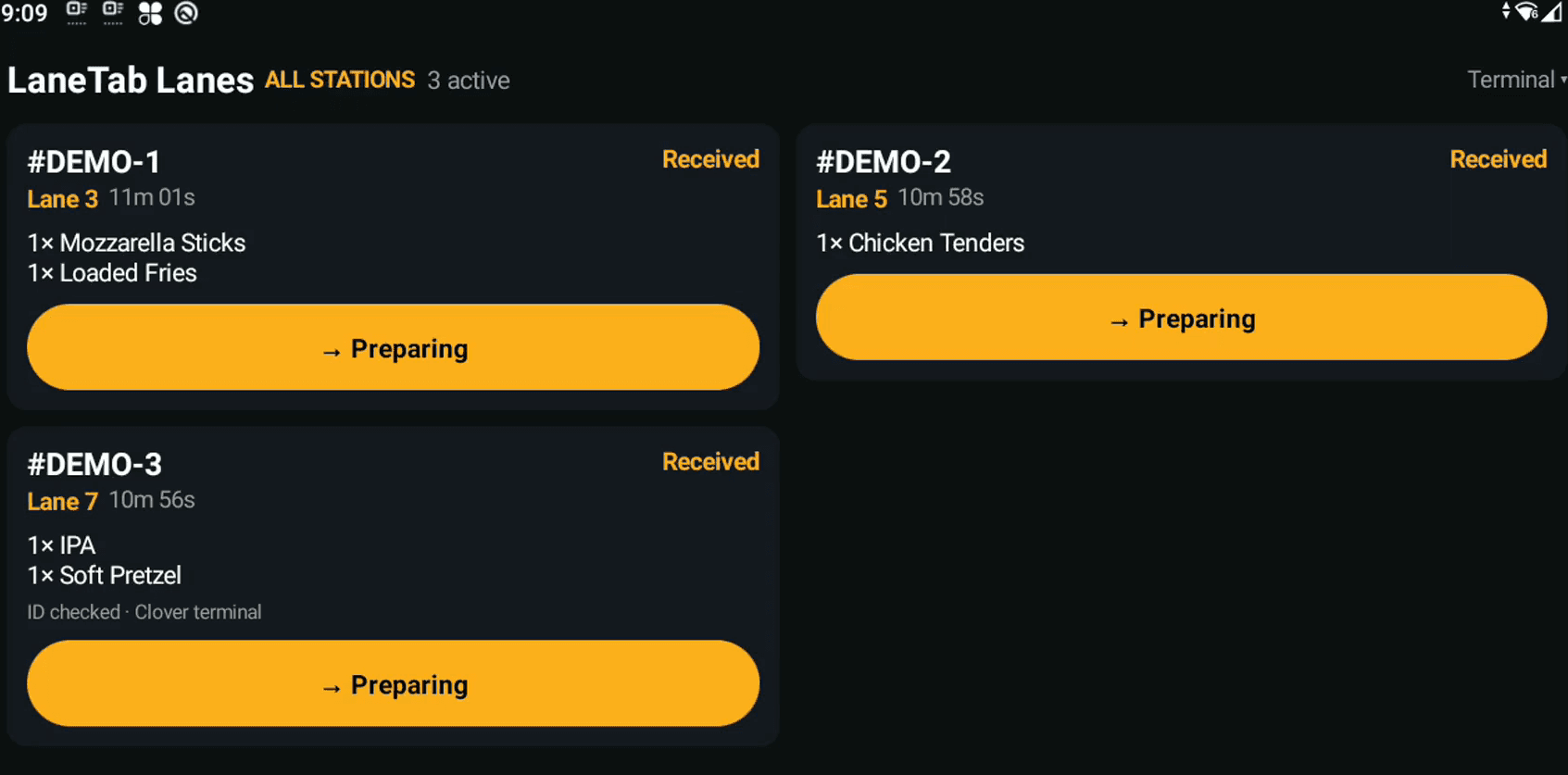
LaneTab's order list running on a Clover countertop device, showing three live lane orders
On the Clover at your counter
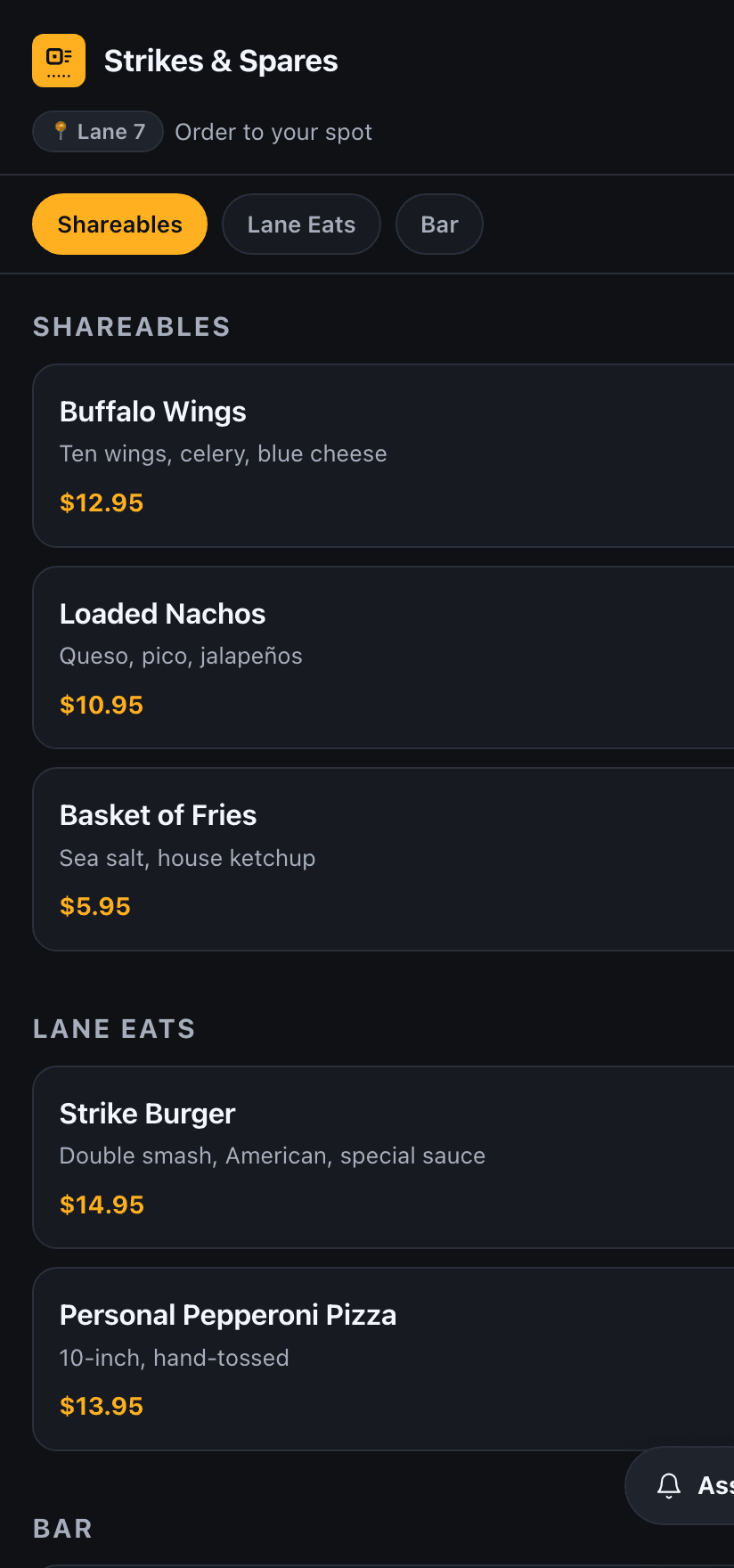
A guest ordering on their own phone at Lane 7
On the guest's phone — no app
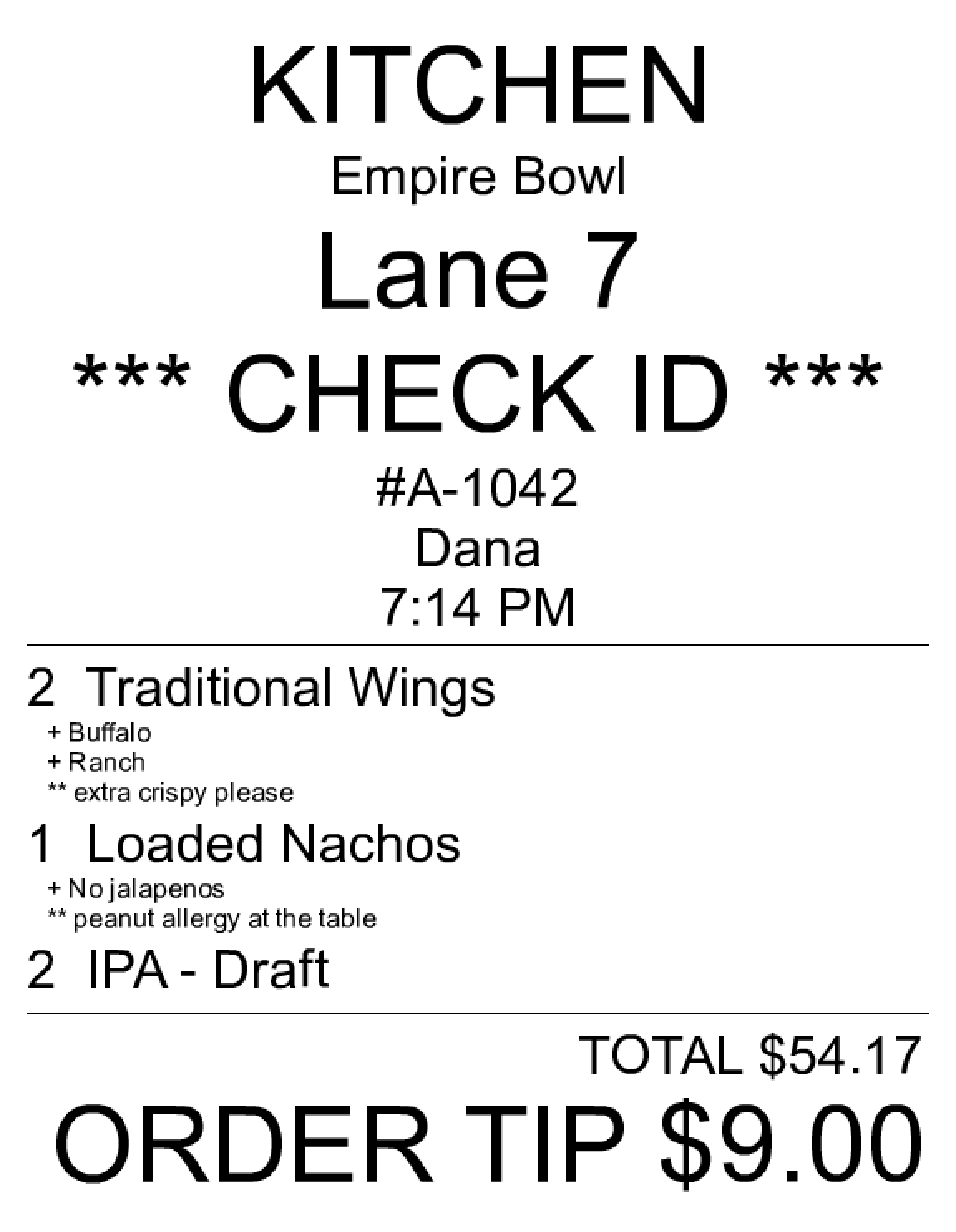
The printed kitchen chit LaneTab produces: station, lane, ID check, items with modifiers and guest notes
On the line — the real chit
Choose the shape

Three ways it fits your floor.

The first question isn't which POS you run. It's who takes the money.

Path 01

LaneTab collects

The guest pays on their phone. The order reaches your POS already closed out as an external tender.

Guest phoneLaneTabYour POS — paid
Path 02

Your POS collects

One card processor, one statement. The ticket lands open; your staff close it on your own terminal.

Guest phoneLaneTabYour POS — open tab
Path 03

LaneTab is the POS

Nothing to reconcile. Register, every card path, cash drawer, receipts, inventory, Z-report.

Guest phoneLaneTabKitchen + books
Live today

Connected, and in daily service.

If it isn't built, it isn't here — it's in the request list below, by name.

Clover
Point of sale
Live

Two-way menu sync and full order mirroring. Running in venues today.

Menu & modifiersOrders + notesRefundsHappy-hour discounts
Stripe
Payments
Live

Every way a card can move. Payouts land in your bank, not ours.

Scan-to-PayTerminal readersTap to PayConnect payouts
Apple Pay & Google Pay
Wallets
Live

In the guest checkout, no setup on your side. A lane order closes in two taps.

No app downloadIn the QR flow
Star Micronics
Cloud printing
Live

The printer pulls its own jobs. No on-site PC, nothing to restart at 6pm.

TSP100IV thermalSP700 impactCloudPRNTPer-station routing
SMS
Messaging
Live

Waitlist, reservations and order-ready texts from a compliant number.

STOP/HELP handledReplies routed
LaneTab D1001
Our hardware
Live

A wall panel for the line. No tablet to charge, no browser tab to lose.

Kitchen & barReservationsOTA firmware

What crosses, both ways

Clover · live in venues
Clover → LaneTab
Categories, items, prices
Your catalog becomes the lane menu
Modifier groups
Kept per item, never merged by name
Age-restricted flag
Maps onto ours, so ID checks fire
Item tags
Decide the printer and the panel
LaneTab → Clover
The order, line by line
With the guest's own note on the line
Happy hour
A named discount, never a changed price
Tender
External when we collected, else left open
Refunds
Land on both sides, totals checked

Clover unreachable? The order still prints and the kitchen still cooks. The mirror catches up.

Hardware

The gear it drives.

All of it running in live venues — not a compatibility list off a spec sheet.
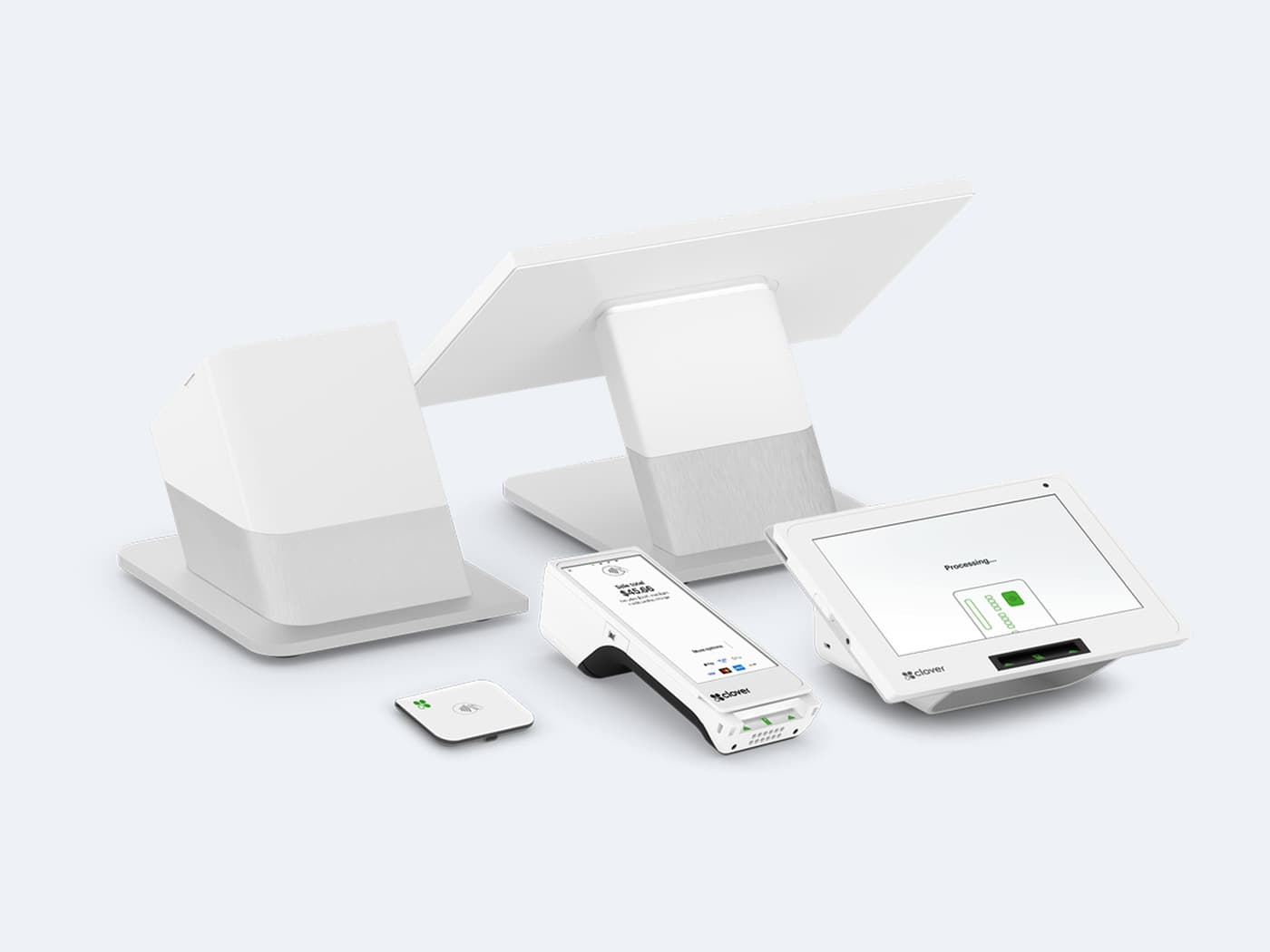
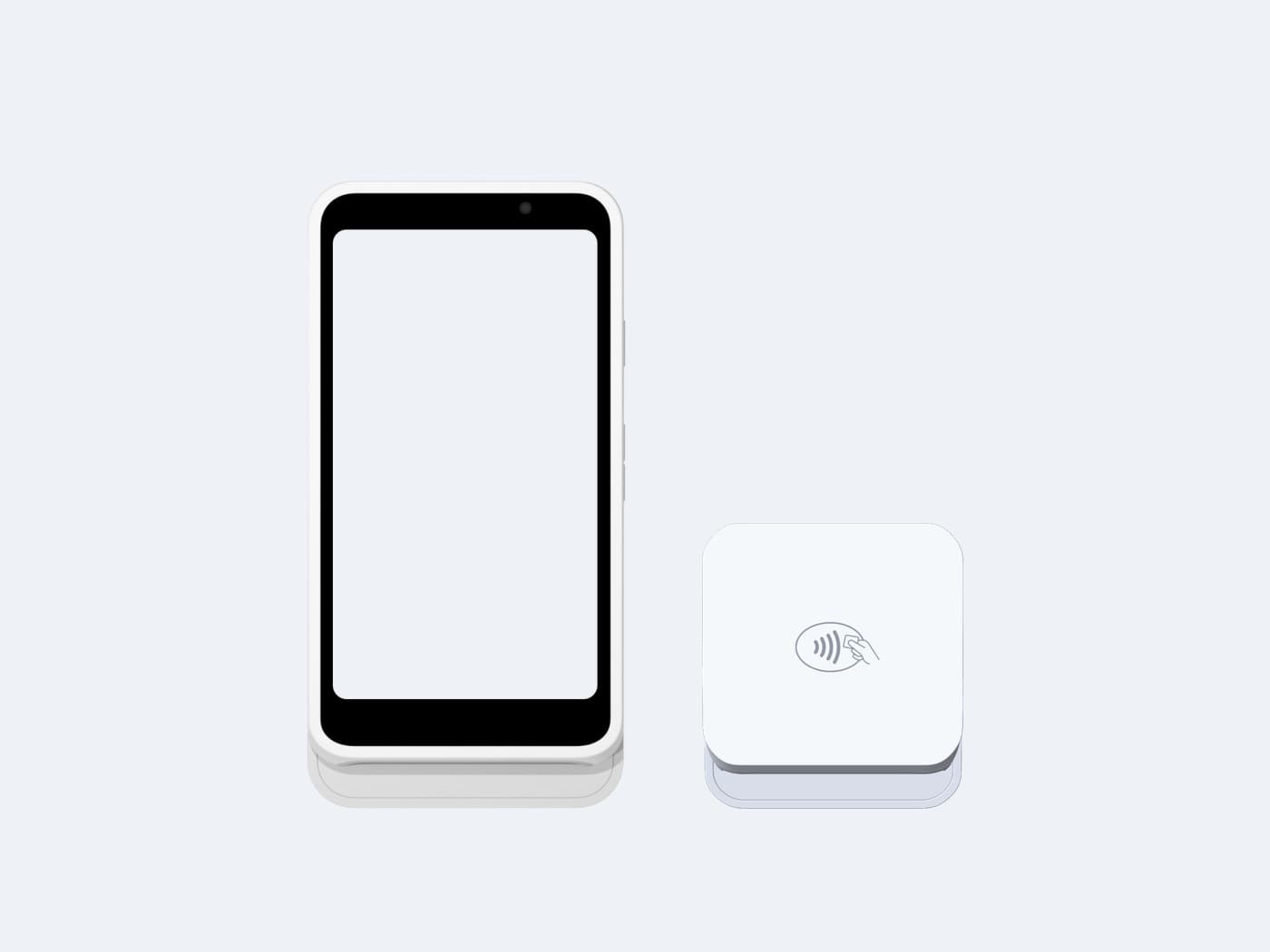
Clover Station Duo, Mini 3, Flex and Go point-of-sale devices
Clover
Station Duo · Mini 3 · Flex · Go
LaneTab runs on the Clover already on your counter.
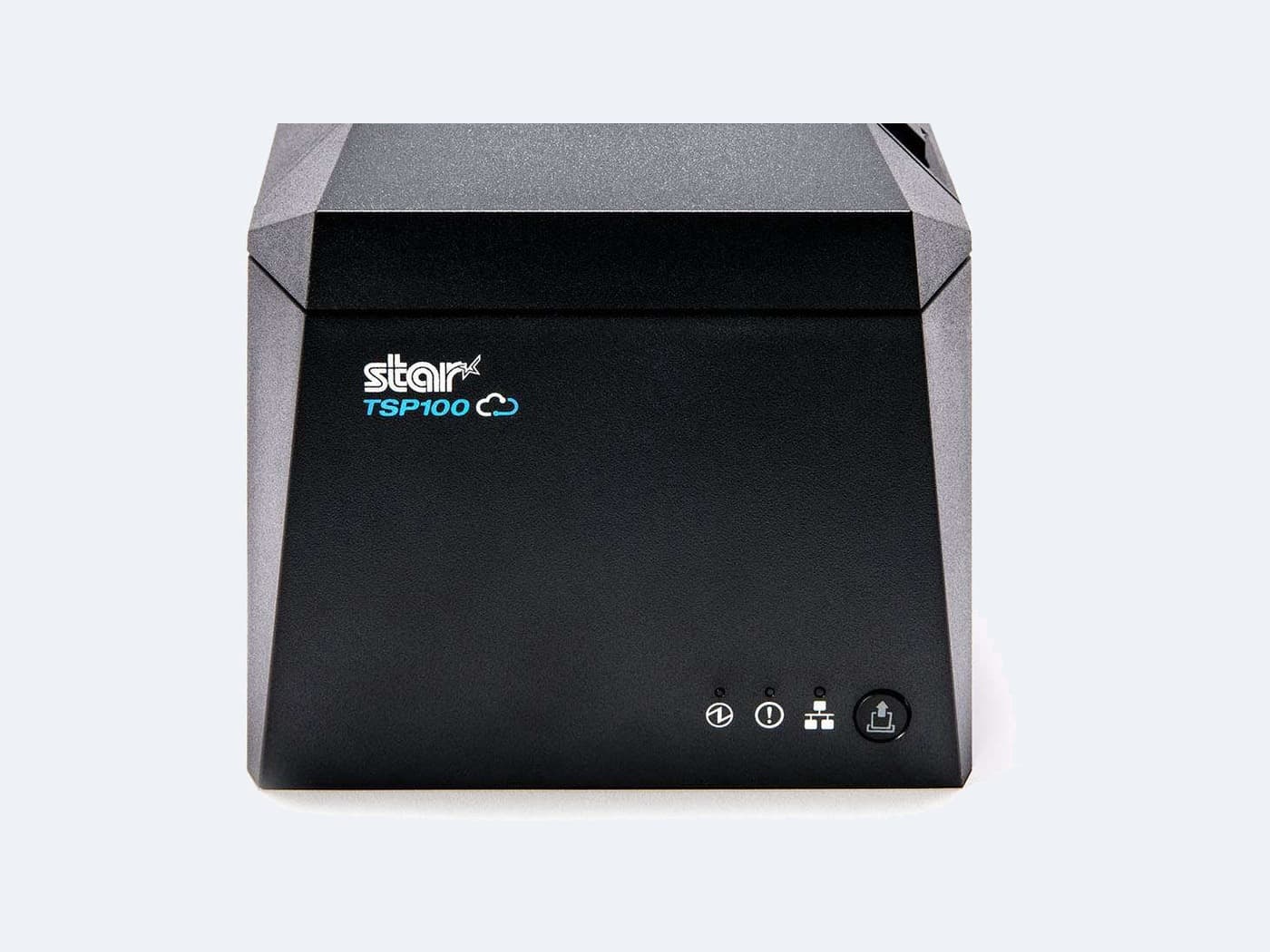
Star Micronics TSP100IV thermal receipt printer
Star Micronics
TSP100IV · SP700 impact
Cloud printing. No on-site PC, nothing to restart.
Stripe Reader S700 and Stripe Reader M2 card readers
Stripe Terminal
Reader S700 · M2 · WisePOS E
Or none at all — Tap to Pay uses the phone in your pocket.
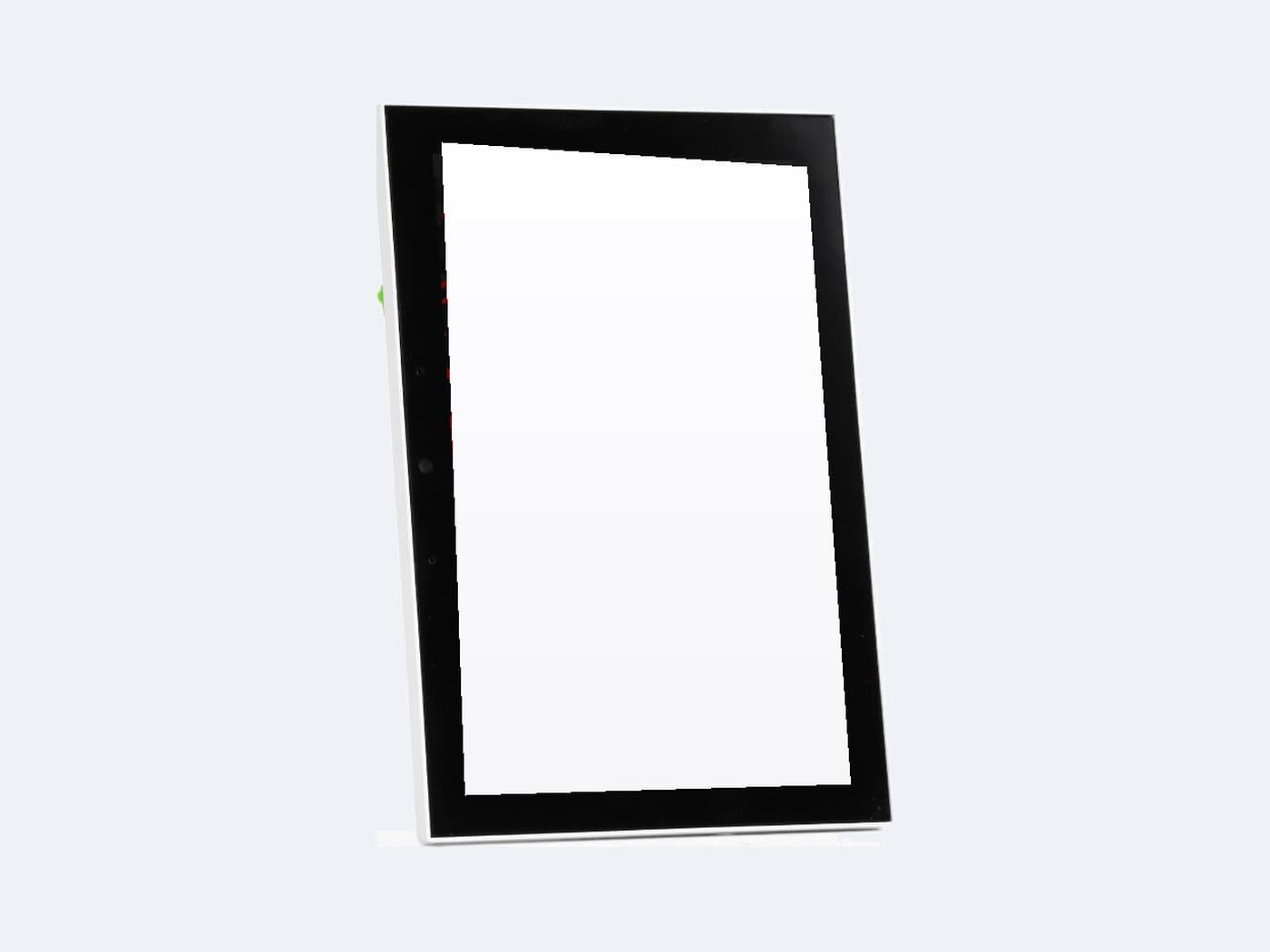
The LaneTab D1001 8-inch touch panel
LaneTab D1001
Our own wall panel
Orders, reservations and waitlist on the glass, above the line.
Don't see yours?

Tell us what you run.

We build them in the order venues ask for them, against a real merchant account.

  • Square
    Point of sale
    On request
  • Toast
    Point of sale
    On request
  • QubicaAMF Conqueror
    Scoring & lane management
    On request
  • Steltronic Focus
    Scoring & lane management
    On request
  • CenterEdge
    FEC management
    On request
  • Something else
    Tell us what you run
    On request

Keep your POS. Lose the counter line.

See a lane order land on the printer and in the POS, end to end.